BUDGT for Android: After 13 Years on iOS, We're Finally Here
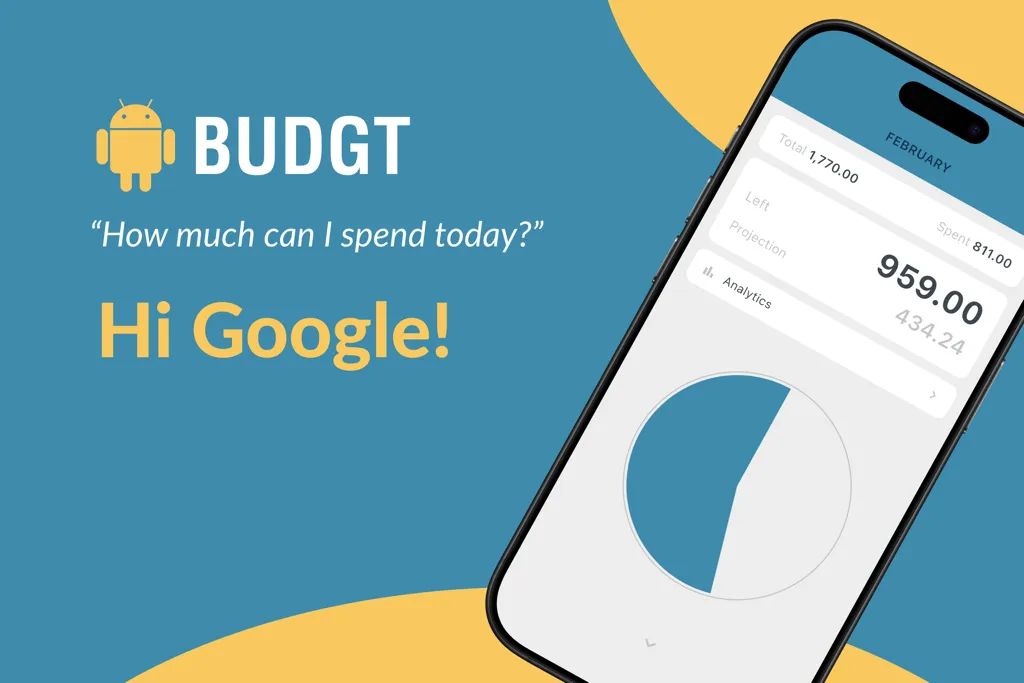
After 13 years of being iOS-only, BUDGT is finally available on Android.
If you’ve been waiting for a simple, privacy-first budget app that tells you exactly what you can spend today — the wait is over.
BUDGT is now on Android
Download for Android
Why It Took 13 Years
BUDGT launched on iOS in 2013. Since then, I’ve received hundreds of requests for an Android version. So why the delay?
I wanted to get it right.
Building a separate Android app would have meant maintaining two codebases, two sets of features, two update cycles. Features would drift apart. Bugs would get fixed on one platform but not the other. That’s not the experience I wanted.
Instead, I waited until the right technology existed — and then rebuilt BUDGT from scratch.
In early 2026, I released BUDGT 13, a complete rebuild using Flutter. This means:
- One codebase, two platforms — iOS and Android get the same features, same updates, same experience
- Native performance — Flutter compiles to native code, so BUDGT feels fast and responsive on both platforms
- Future-proof — New features come to both platforms simultaneously
The rebuild took time. But now Android users get the full BUDGT experience — not a watered-down port.
What Android Users Get
Everything. Full feature parity with iOS:
| Feature | Android | iOS |
|---|---|---|
| Daily budget calculation | ✓ | ✓ |
| Color-coded spending feedback | ✓ | ✓ |
| Categories with targets | ✓ | ✓ |
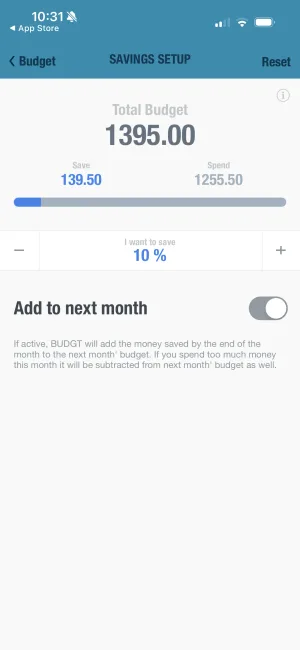
| Savings Mode | ✓ | ✓ |
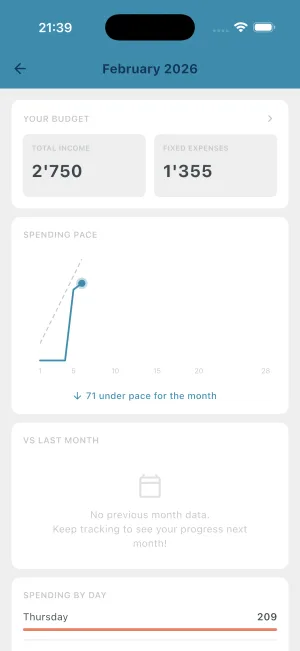
| Analytics dashboard | ✓ | ✓ |
| Travel Mode (currency conversion) | ✓ | ✓ |
| Recurring expenses | ✓ | ✓ |
| Day weights (weekend vs weekday) | ✓ | ✓ |
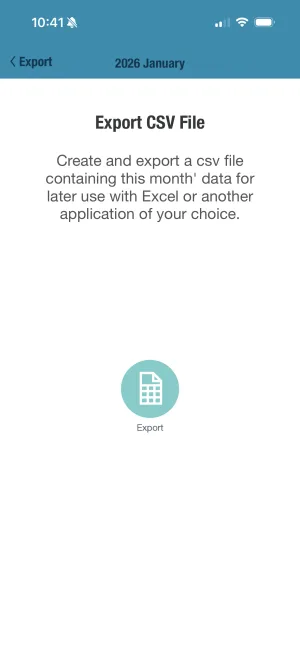
| CSV export | ✓ | ✓ |
| 100% offline | ✓ | ✓ |
| No account required | ✓ | ✓ |
This isn’t “BUDGT Lite” or “BUDGT Basic.” It’s the same app, running natively on Android.
Privacy-First on Android Too
One of the most common questions I get: “Does BUDGT connect to my bank?”
No. Never.
BUDGT is 100% offline. Your financial data stays on your device. There’s no cloud sync, no account creation, no data harvesting. I literally cannot see your spending data because it never leaves your phone.
This matters especially on Android, where many budget apps request extensive permissions. BUDGT asks for nothing — no contacts, no location, no camera, no storage access beyond what the app needs to function.
What BUDGT doesn’t require:
- No Google account
- No email address
- No phone number
- No bank connection
- No internet connection (works offline)
You download it, set your budget, and start tracking. That’s it.
The Same Simple Philosophy
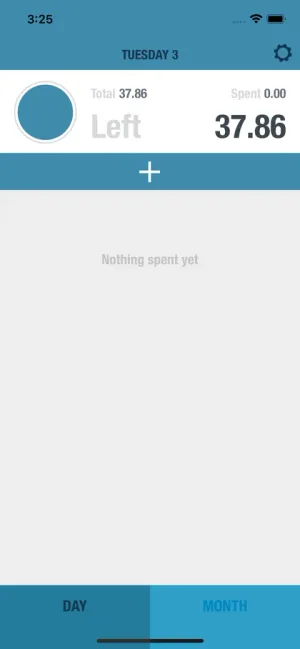
BUDGT answers one question: “What can I spend today?”
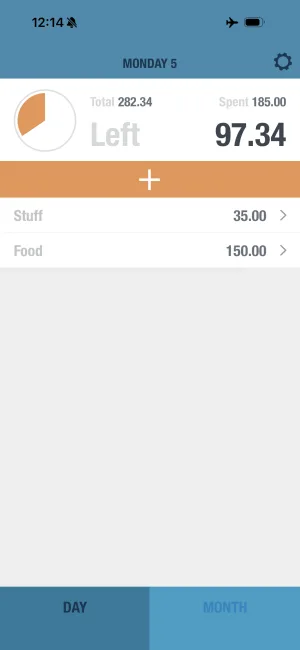
You set your monthly income and expenses. BUDGT calculates your daily spending limit. As you log expenses throughout the day, you see exactly how much room you have left.
- Blue means you’re doing great
- Yellow means be careful
- Orange means slow down
- Red means stop
No complex categories to manage. No 47-step setup process. No transaction imports to review. Just one number that updates as you spend.
If you stay under your daily limit, you’ll have money left at the end of the month. It’s that simple.
For FIRE Seekers
Many BUDGT users are pursuing financial independence. The Android launch means you can now:
- Track your daily spending against your savings rate — set your target in Savings Mode, and your daily limit reflects it automatically
- Use BUDGT on any device — switch from iPhone to Android (or use both) without changing your budgeting workflow
- Share the system with your partner — if one of you is on Android and one on iOS, you can both use the same app now
The manual entry approach that privacy-conscious FIRE folks love works exactly the same on Android.
Download Now
BUDGT is available on both platforms:
Android: Google Play Store
iOS: Apple App Store
Both versions include a free trial with full functionality. Try everything before you subscribe.
After 13 years, BUDGT is finally available to everyone. Whether you’re a long-time iOS user, an Android user who’s been waiting, or someone new to daily budgeting — welcome.
One daily number. Any phone. Complete privacy.
That’s BUDGT.
Frequently Asked Questions
Is BUDGT available on Android?
Yes! As of March 2026, BUDGT is available on both Android and iOS. Download it from the Google Play Store or Apple App Store.
Does the Android version have all the same features as iOS?
Yes, the Android version has complete feature parity with iOS. Daily budgeting, categories, analytics, travel mode, savings mode — everything works the same on both platforms.
Is my data synced between Android and iOS?
No, BUDGT is 100% offline and privacy-first. Your data stays on your device and is never uploaded to any cloud. This means data doesn't sync between devices, but it also means your financial information is completely private.
Do I need a Google account to use BUDGT on Android?
No. BUDGT doesn't require any account creation — no Google account, no email, no sign-up. Just download and start budgeting.
Why did it take 13 years to release an Android version?
We wanted to get it right. Rather than rush a separate Android app, we rebuilt BUDGT from scratch in Flutter — a framework that lets us maintain one codebase for both platforms while delivering native performance on each.
Related Articles


Ready to take control of your budget?
Download BUDGT and start tracking your daily spending today.